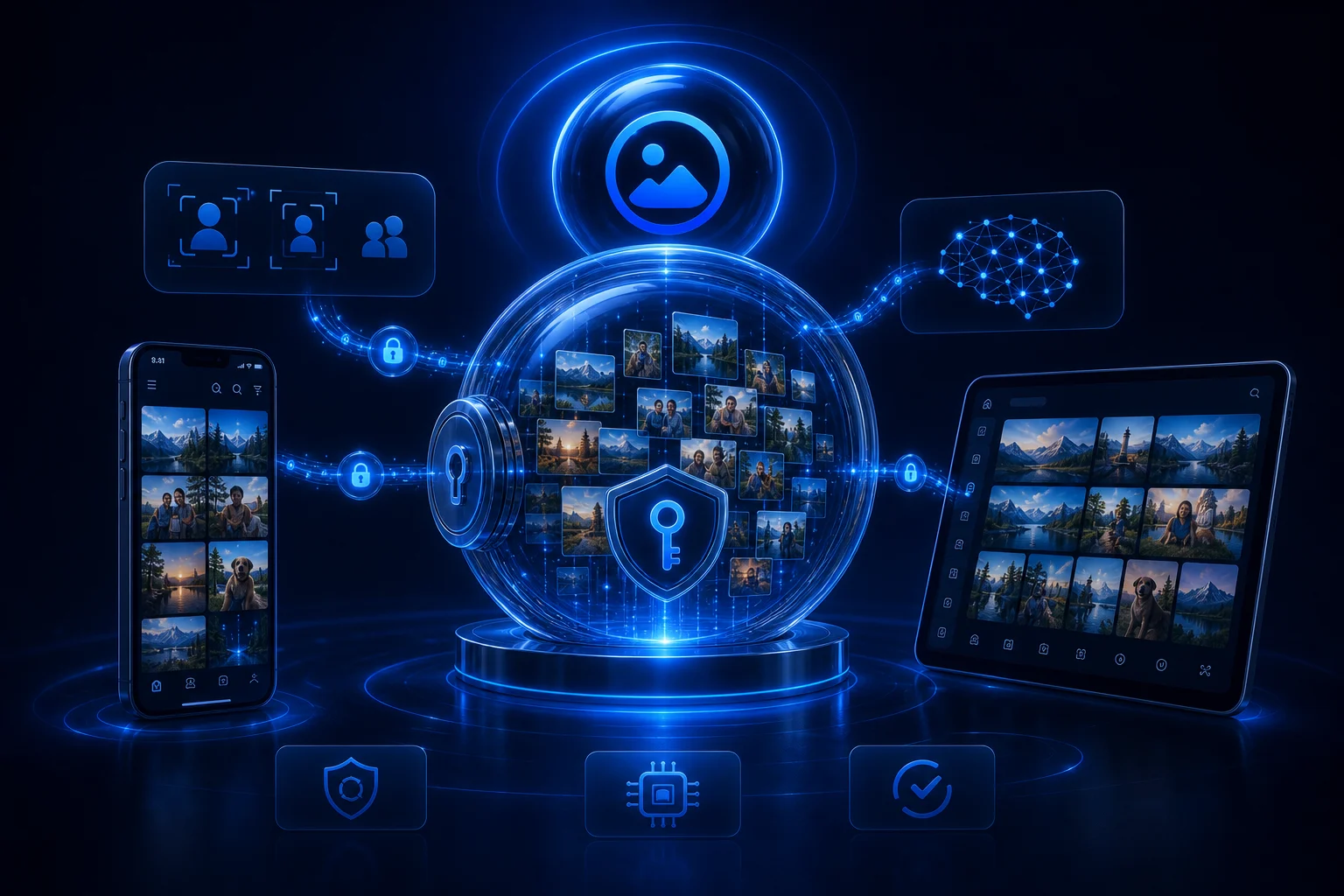
Keep originals protected
Early access should not require destructive cleanup or moving the only copy of important photos.

Private family photo storage
Family photo libraries now live across phones, cloud accounts, laptops, chats, and old drives. AllPicture is being built as a privacy-first way to organize those memories while the product remains in private beta. You can join the waitlist without uploading your photos.
No photo upload is needed to join. Waitlist signup does not guarantee immediate access.
This early-access page focuses on the family-photo privacy problem AllPicture is being built to solve: scattered libraries, sensitive memories, and cleanup workflows that should not start by surrendering a whole camera roll.
Photos reveal homes, children, travel, documents, relationships, and private routines. A family photo manager should reduce chaos without turning every memory into broadly readable platform data.
AllPicture is still in private beta, so this guide stays practical: protect originals, keep backups, map where photos live, and only test new cleanup tools with a clear privacy boundary.
Early access should not require destructive cleanup or moving the only copy of important photos.
Use tools that make private handling explicit, especially for family archives and shared memories.
Yes, the waitlist is no-upload. Many generic photo tools start by importing a library.
That is the intended family-safe workflow. Automation can feel risky without review points.
Yes, encrypted-media handling is a core direction, not just a preference buried in settings.
Before testing a new photo product, make a simple map of where your family archive lives and which folders contain sensitive memories. That makes early beta feedback more useful without exposing a full library on day one.
The waitlist asks for contact and setup context, not your photos. It helps prioritize beta invites for families with real privacy, duplicate, and scattered-library problems.
Verschlüsselung schützt private Bibliotheken von Grund auf. Gesichtserkennung bleibt nach Möglichkeit nah an deinen eigenen Geräten.
Sichere dir Private-Beta-Zugang, wenn deine Fotos über Handys, Chats, Clouds, NAS-Ordner und alte Laufwerke verstreut sind.